

Context switching blocks depth
Tabs multiply and tasks fragment; focus never warms long enough to reach flow.
Cue: one daily focus window. Two 45/15 sprints. Protect them.

Your week, your tools, simplified.
Most creators don’t run out of talent — they run out of clean attention.
Tabs multiply and tasks fragment; focus never warms long enough to reach flow.
Cue: one daily focus window. Two 45/15 sprints. Protect them.
Each new app resets habits and scatters notes, files, and decisions.
Cue: one notes app. One planner. One file path.
Without a tiny reset, the same blockers repeat — just with new dates.
Cue: 3 wins · 1 blocker · 1 tiny change — weekly.
This isn’t an app problem. It’s a rhythm problem. See the calm fix — the 3 pillars
Plan with rhythm. Ship with clarity. Keep tools simple.
A weekly plan with humane blocks and a daily top-3 to keep priorities visible.
One calm pipeline from idea to publish, so shipping feels light.
Fewer apps, fewer resets. Everything has one clear home.
See how it works in five small moves. Go to the Weekly Blueprint →
A calm rhythm you can repeat every week. Tiny moves, steady outcomes.
Capture everything fast — ideas, tasks, loose ends. Empty the head.
Choose 2–3 weekly outcomes. Name them clearly; keep them humane.
Add two focus sprints/day (45/15). Protect them like meetings.
Move one thing forward daily — idea → outline → edit → publish.
Close the loop: 3 wins, 1 blocker, 1 tiny change for next week.
Plan · Sprint A · Sprint B · Ship · Reflection — a calm rhythm you can actually keep.
| Day | Plan | Sprint A (45/15) | Sprint B (45/15) | Ship | Reflection |
|---|---|---|---|---|---|
| Mon | |||||
| Tue | |||||
| Wed | |||||
| Thu | |||||
| Fri |
I use Notion/xTiles + Google Calendar. Paper works too.
Three gentle options. Each designed to meet you where you are.
14
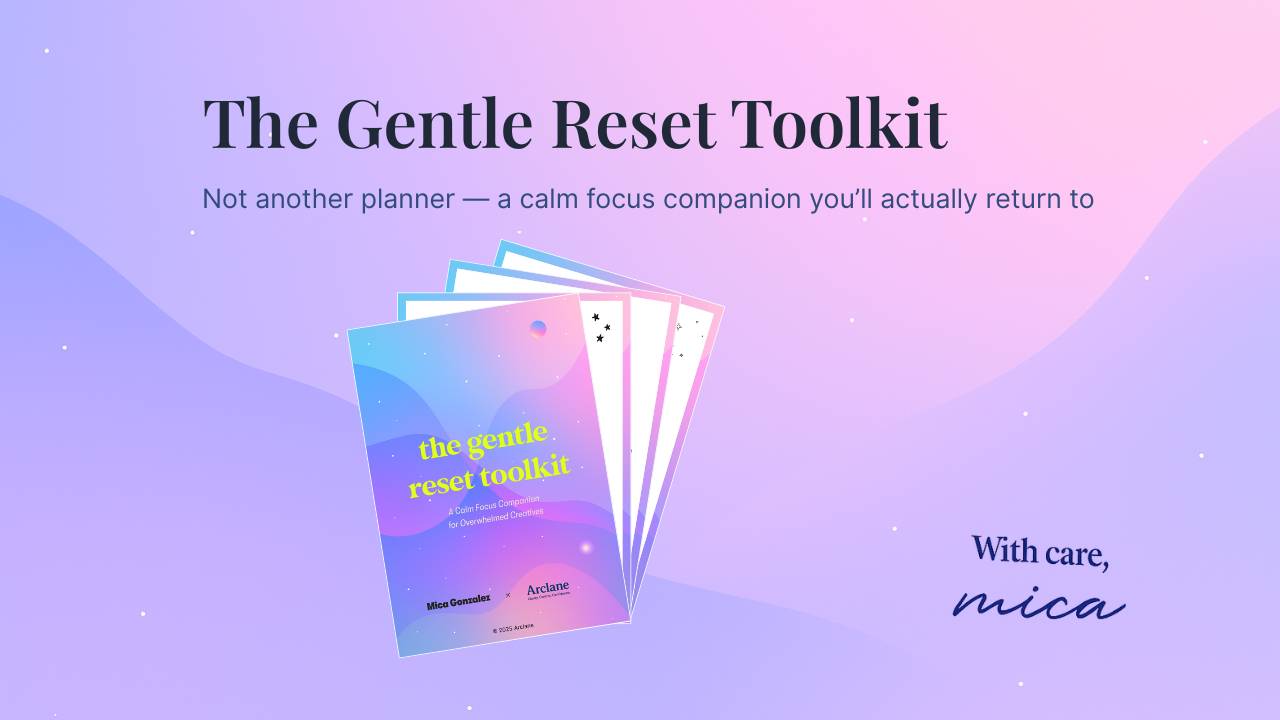
A calm focus companion — not another planner to keep up with.
Format: PDF (print & device-friendly) · Instant access and download · 10 gentle pages you’ll actually use
16
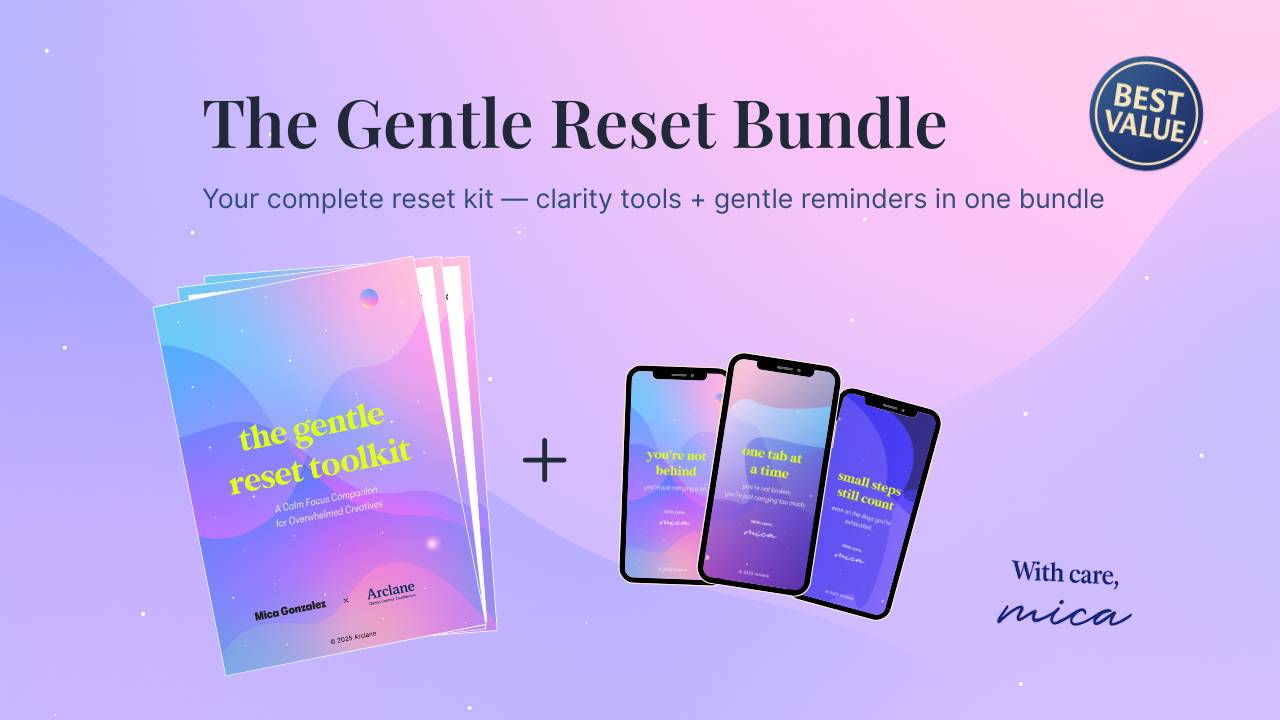
Your complete calm reset — clarity + gentle reminders in one
Your best first step · Save €2 vs. separate · Instant access and download
4
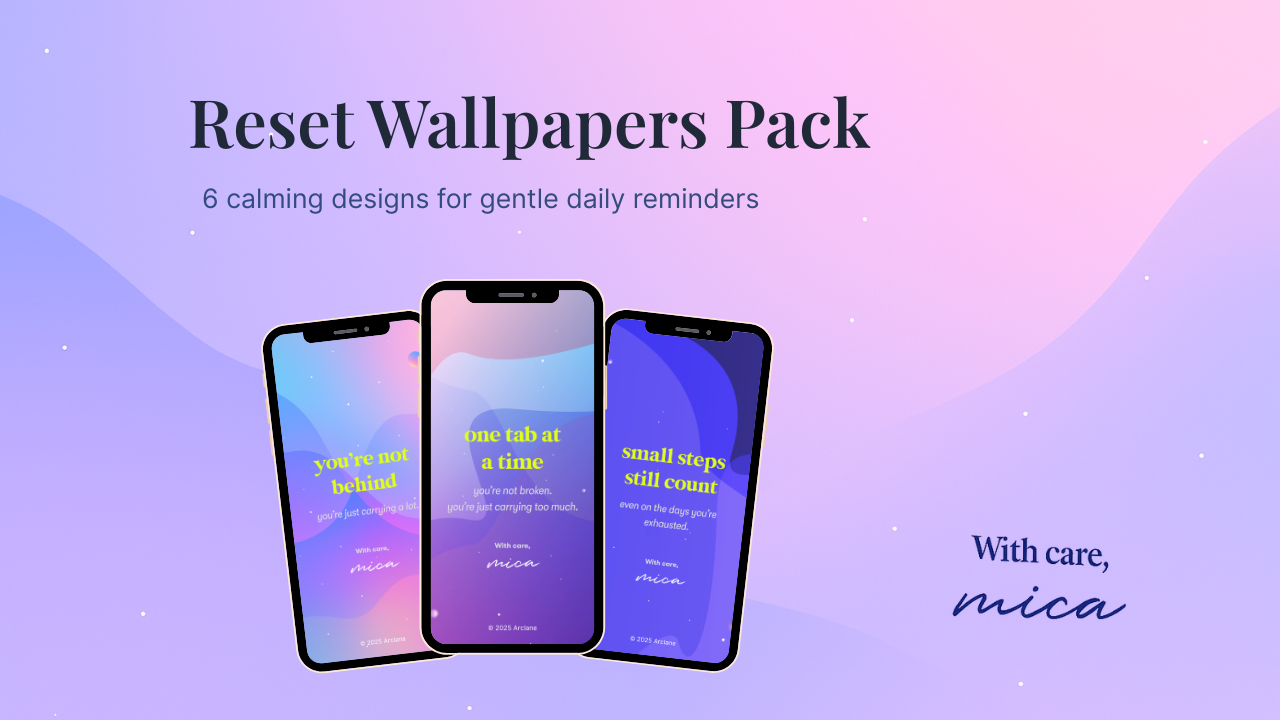
Gentle lock-screen nudges to remind you you’re enough.
Pair it with the Toolkit for your full reset · Instant access and digital download
Secure checkout · Instant access and download · Prices in EUR — your bank auto-converts into your local currency.
Data stays in your own browser (local only)
Tiny reflections from people who wanted calm, not pressure.
“I love how quick the prompts are — they pull me out of the spiral without making me feel behind.”
“For the first time, I’m actually using a weekly page. It feels light and I don’t dread opening it.”
“The phone wallpapers surprised me — just seeing them during the day reminds me to slow down.”
A few calm, practical favorites from Mica’s channel.
A few gentle answers so you can decide with ease.
Most people pick the Bundle — the Toolkit gives you a kind weekly structure, and the Wallpapers add gentle, daily nudges. Together they work best and cost less than buying both separately. If you want to start tiny, begin with Wallpapers; if you want the full reset, go with the Toolkit — the Bundle is the “no-brainer” if you already know you’ll use both.
Morning / Midday / Evening prompts, “Anytime” clarity tools, and a Weekly Reset. It’s lightweight and kind — no pressure, no perfectionism — just a calm rhythm to return to.
Tiny visual reminders to slow down, reset, and refocus. They don’t replace a planner — they support it. Paired with the Toolkit, they turn intention into gentle daily follow-through.
No. Everything is printable and tool-agnostic. Use paper, tablet, Notion, xTiles — whatever feels calm and simple.
Yes. It’s built for realistic weeks: 5–10 min in the morning, a 2–3 min midday check-in, and a kind 5-min evening wrap. Weekly reset ~15–20 min.
It can — but it doesn’t have to. Most people keep their planner and use the Toolkit for the weekly rhythm, plus Wallpapers as quiet prompts between tasks.
No. Start where you are. One tiny prompt is enough. The system is intentionally light and forgiving — you can’t “fall behind”.
No printer required. The PDF is device-friendly (great in GoodNotes / Notability) and also prints well on A4 or US Letter.
You get instant access after the checkout, plus an email with the login-link to your own Library. You can re-download and revisit anytime and anywhere.
Yes. Buyers receive minor updates via the checkout email (we’ll send a fresh link when we polish things).
Friendly 30-day policy for unopened downloads. If you haven’t accessed the files yet, reply to your receipt and we’ll help.
Prices are currently shown in EUR; your bank auto-converts at your local rate. Any taxes are already included in the price. No additional costs for you.
Absolutely. Reply to your receipt and we’ll set up a custom gift link with their name (same price, same access, same product).
You can add the missing piece anytime. If you already know you’ll use both, the Bundle is the best value today and keeps things simple.

Get started today before this once in a lifetime opportunity expires.